
NewGive your team their own login.
Team access & staff roles
Invite up to 5 staff members to manage appointments and follow-ups. Business settings, billing, and team access stay with the owner.
No credit card needed. Business plan and active free trial; up to 5 staff logins.
How it works
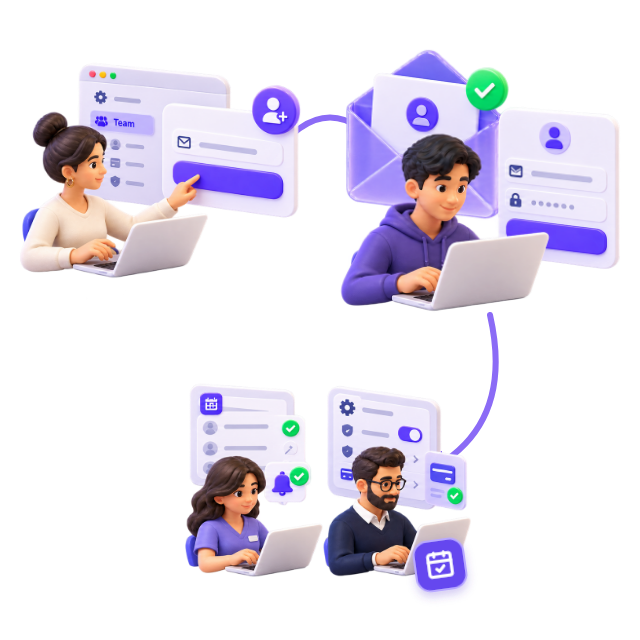
- 1The owner invites a teammate by email from Settings → Team.
- 2The teammate accepts the invitation and signs in with their own account.
- 3Staff manage appointments and follow-ups; the owner controls settings and billing.
Why it helps
- Work together without sharing the owner’s password.
- Assign follow-up tasks to your current team.
- Remove staff access or cancel pending invitations when needed.
Common questions
Which plans include staff logins?
The Business plan and an active free trial support up to 5 staff logins. The owner manages invitations in Settings → Team.
Can staff change billing or business settings?
No. Staff can use the customer workspace, manage appointments, and view messages. Only the owner manages business settings, billing, and the team.
More features
See all featuresStop losing $500+ a month to empty chairs
Start your 14-day free trial today. Connect your calendar and your first reminders go out automatically.